
These are public examples of AI ads from creators on X. They were not made on or for Anglr. Click any ad to see the original post.
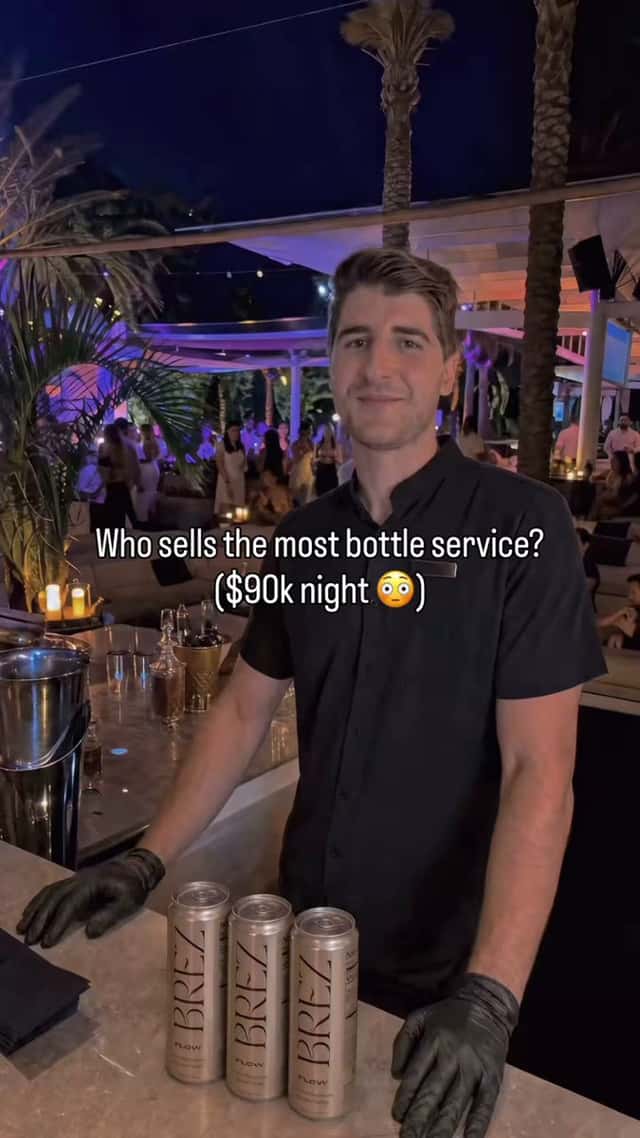 AIOpen the ad by @frankyecomProduct placement / viral moment
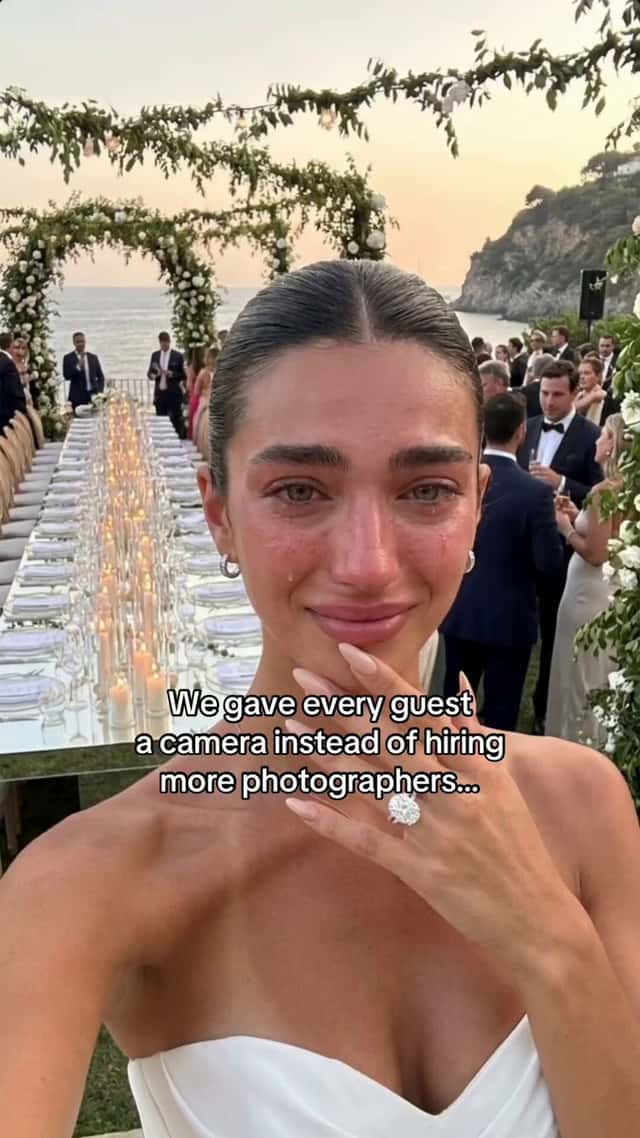 AIOpen the ad by @sammgrowthProduct placement / viral moment
 AIOpen the ad by @AmControoProduct placement / viral moment
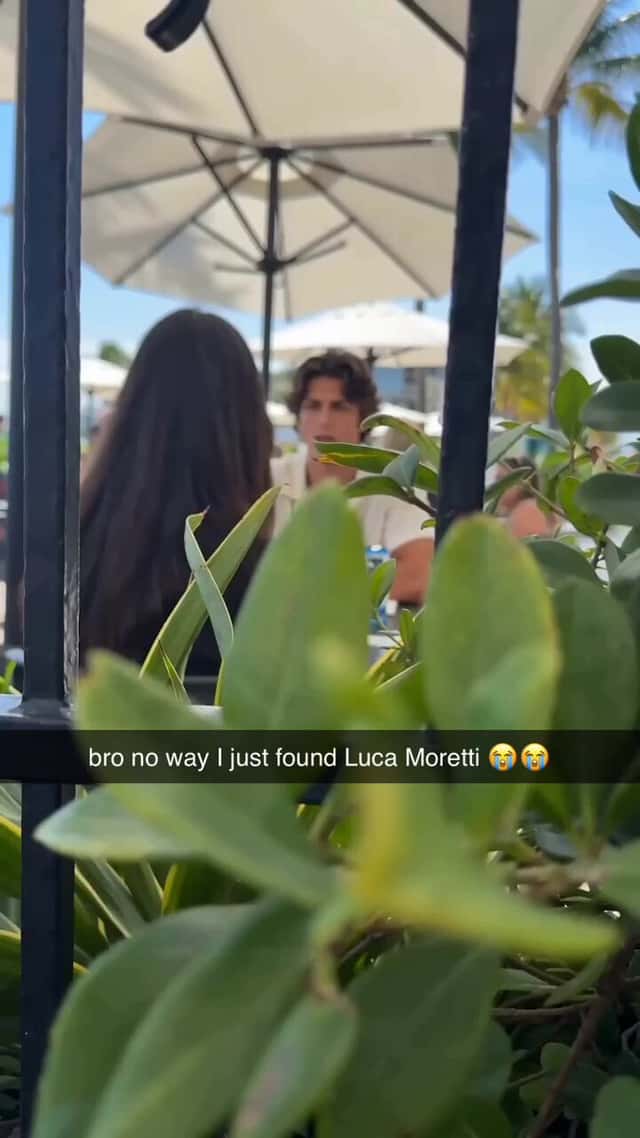 AIOpen the ad by @Mho_23Product placement / viral moment
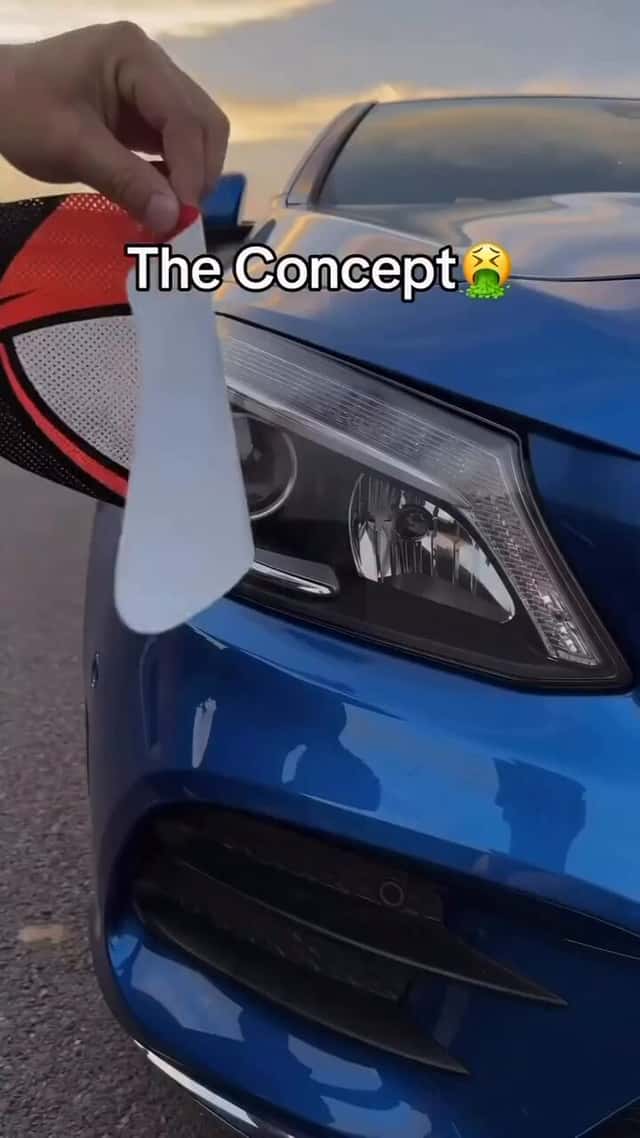 AIOpen the ad by @maxxmalistProduct placement / viral moment
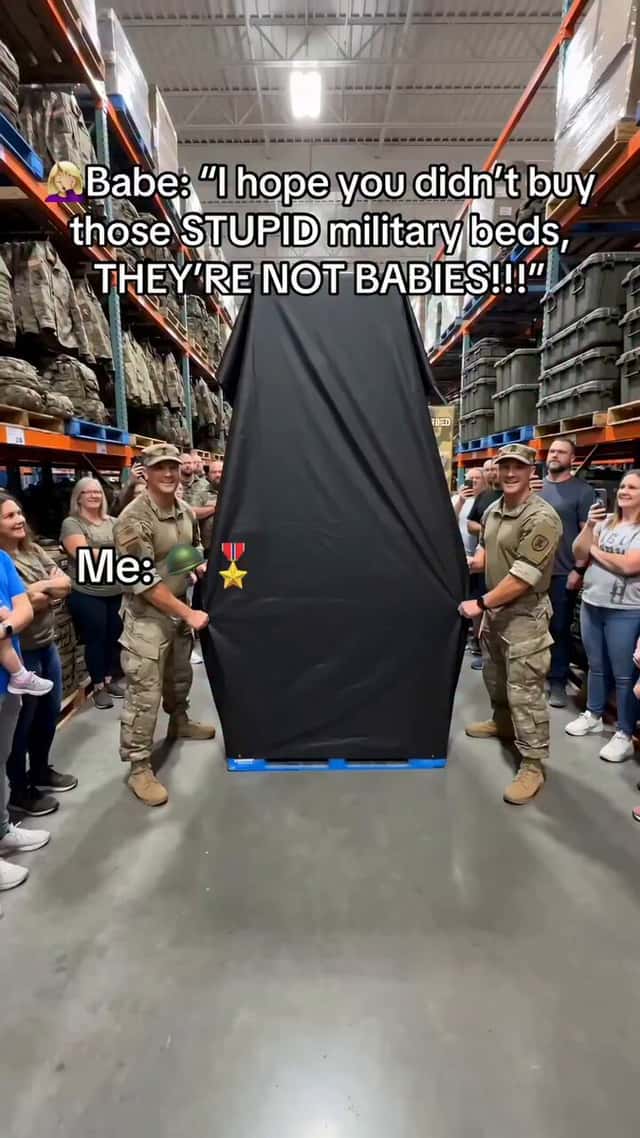 AIOpen the ad by @maxxmalistProduct placement / viral moment
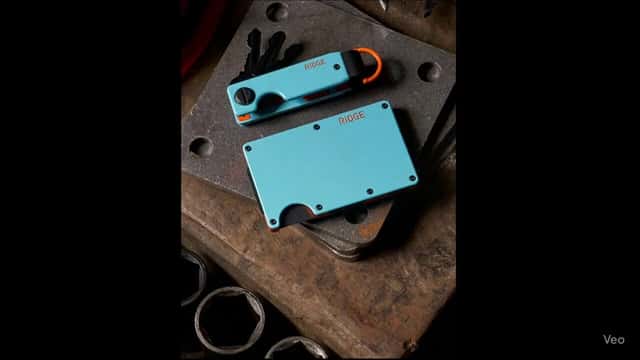 AIOpen the ad by @jacob_poselProduct placement / viral moment
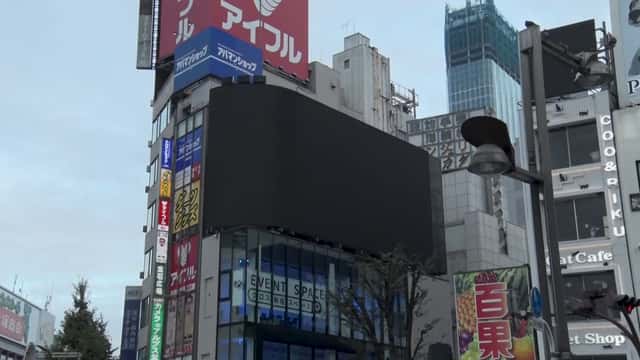 AIOpen the ad by @jblefevre60Product placement / viral moment
What a product placement ad looks like
The product sits inside a scene that looks unplanned. The examples here show a product in a bar, at a wedding, in a car, in a busy shop aisle and on a city billboard, each filmed like a phone video of something that happened.
Ratios are mixed: some vertical, some landscape. The camera moves like a hand holding a phone, and the product is part of the scene rather than posed for it.
Why brands use this format
A viewer reads a phone clip of a moment differently from a polished commercial; it looks like something a friend sent. The product gets seen in a real-world setting without a presenter selling it.
The format also lets a brand show a product at a scale or in a place that would be costly to film for real, such as a billboard or a crowded event.
Scene ideas
| Scene | What happens | Product role |
|---|---|---|
| Bar or party | Someone pulls the product out and people react | The thing everyone asks about |
| Wedding or event | The product appears in an unexpected place | A surprise that makes the clip |
| Car | A passenger films the driver using it | Everyday use, close up |
| Shop aisle | Shoppers crowd one shelf | Demand, shown not said |
| City billboard or screen | A large version of the product in a street | Scale and visibility |
Shot structure
- Start mid-action. No intro, no title: the clip opens as if someone just pressed record.
- The product enters the frame within the first seconds, held or placed naturally.
- A reaction from someone in the scene: a laugh, a look, a question.
- One closer move toward the product so the pack or label is readable.
- Optional caption on screen in the style of a social post, not a sales line.
- Cut to a short end card with the product name, or keep the brand inside the scene only.
Making it read as a phone clip
Prompt for handheld movement, a camera at chest or eye height, and slightly imperfect framing. A subject that is perfectly centred and lit gives the generation away as staged.
Add sound in the edit: crowd noise, music from a speaker in the room, a voice behind the camera. Silence is the biggest tell in this format.
Keep extras in the background simple and busy. Fewer clear faces mean fewer generation problems.
Ratio and length
Most placements run in Reels and TikTok, so make a 9:16 master. If the scene is wide (a billboard, a hall), generate it in landscape and decide the vertical crop before you animate.
The moment itself is short. Plan a short version and a version with a reaction or caption added.
Make it with AI
- Generate a still of the scene with the product already in it, from the product's real pack shot as a reference image, so the label stays correct.
- Animate it with image-to-video, prompting for handheld phone movement.
- Generate any spoken reactions separately and lip-sync only if a face is close to camera.
- Add ambient sound and on-screen captions in the editor.
Model guides: Runway for ads and Veo 3 for ads.
Compliance checks
This format imitates real footage, so it carries more disclosure risk than studio formats.
- Disclose that the people and scene are AI-generated wherever the platform requires it. See AI ad labels on Meta and TikTok.
- Do not present the clip as news, as a real event, or as a customer's own video.
- No real people, public figures, real businesses or third-party logos in the scene.
- Do not stage crowds or sell-outs as proof of demand the brand cannot show.
- No crisis, emergency or public-safety scenes.
Where it fits in one script, every format
This format has little or no dialogue, so it usually carries the script's hook and its single strongest visual. Take the moment the tested script describes and stage it as a clip. The method for the rest of the versions is in one winning script made in every format.
Who this is for
- Independent AI creators and editors. You make the ads yourself. You know your work performs, so you'd rather be paid on what it does than on a flat fee.
- AI agencies and studios. You run a team of editors. You write the brief, your team makes the versions, and you're paid on performance because you know your team's ads scale.
Not for you if
- You only want a flat fee.
- You're new to editing and not yet confident your ads will perform.
- You want every shot spelled out for you.
- You make one style and won't try others.
FAQ
What is a viral-moment ad?
It is an ad that looks like a phone video of an unusual moment, such as a product showing up at a wedding or in a shop aisle, rather than a produced commercial.
Is it allowed to make an AI video look like a real event?
Making a scene look like a phone video is a style choice. Presenting it as a real event that happened, or as news, is misleading. Disclose AI content as the platform requires and do not claim the moment was real.
What makes a product placement ad look like a phone video?
Handheld framing, a slightly off-centre subject, natural light, background noise, and people in the scene who are not looking at the camera.
Can I put a real celebrity or a real city landmark in the scene?
Do not use real people's likeness. Generic city streets and venues are fine; avoid real businesses, signs and logos other than the brand's own.
How short can a product placement ad be?
Very short works if the product is clear in the first seconds. Make a short cut that shows only the moment and the product, and a longer cut that adds a reaction or a caption explaining it.